

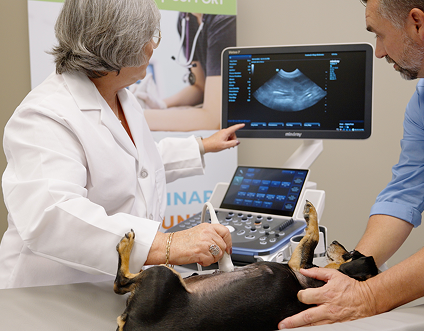
A common reason for a tech support call is the sudden inability of a client’s system to save images. Many of these callers are calling about equipment that has just been moved and changes were made to DICOM. Although we can assist if this happens, here are some ways to avoid this happening in the future:
Talk to IT
Talk to either the IT department or the network administrator and gather all the required information before changing the DICOM settings. Be sure to gather:
- the system’s TCP/IP address including gateway (if applicable), the system’s name and system’s AE title
- the storage server’s TCP/IP address, port, AE title and directory all the files are stored to
- the worklist TCP/IP address, port and AE title
Give the IT Department the MAC address of the system.
As always call our 24/7 Tech Support for more assistance at 866-620-2831.